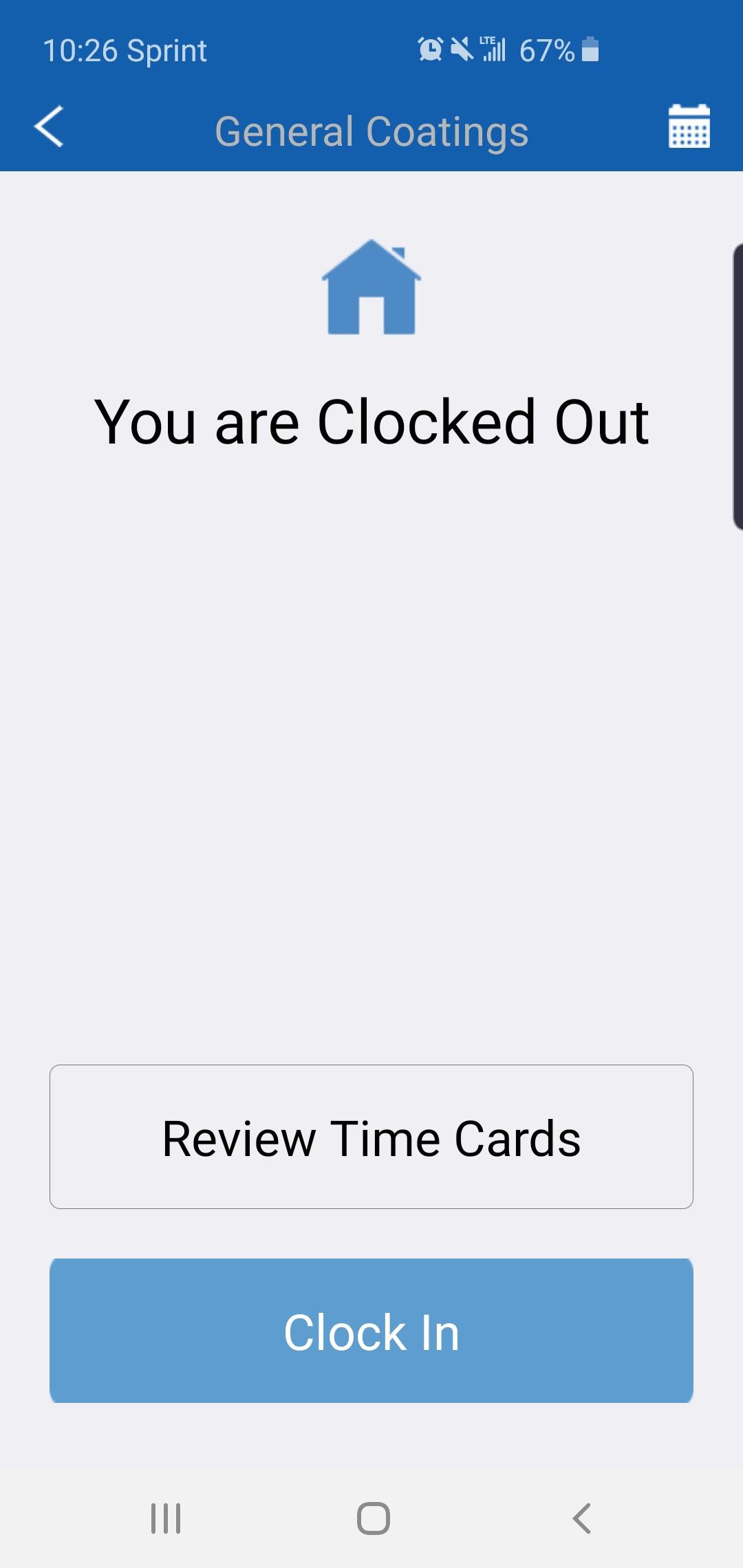
Step 1: Open your Zurel App and select the "Review Time Cards" option
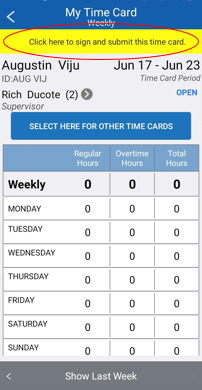
Step 2: Click on the yellow highlight at the top in order to sign and submit the time card
Step 3: Read the agreement then click on the "Agree and Continue" button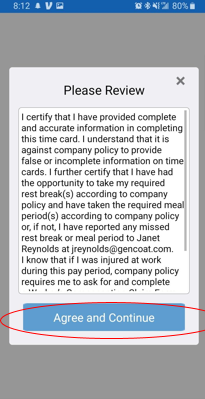
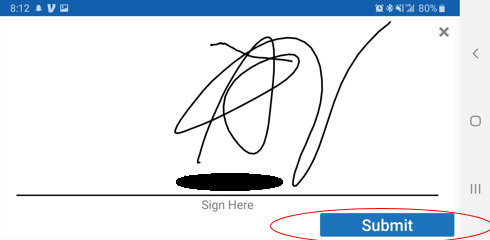
Step 4: Sign your time card and then submit
Comments
0 comments
Please sign in to leave a comment.