Step 1: Open the app and click the "Clock In" button
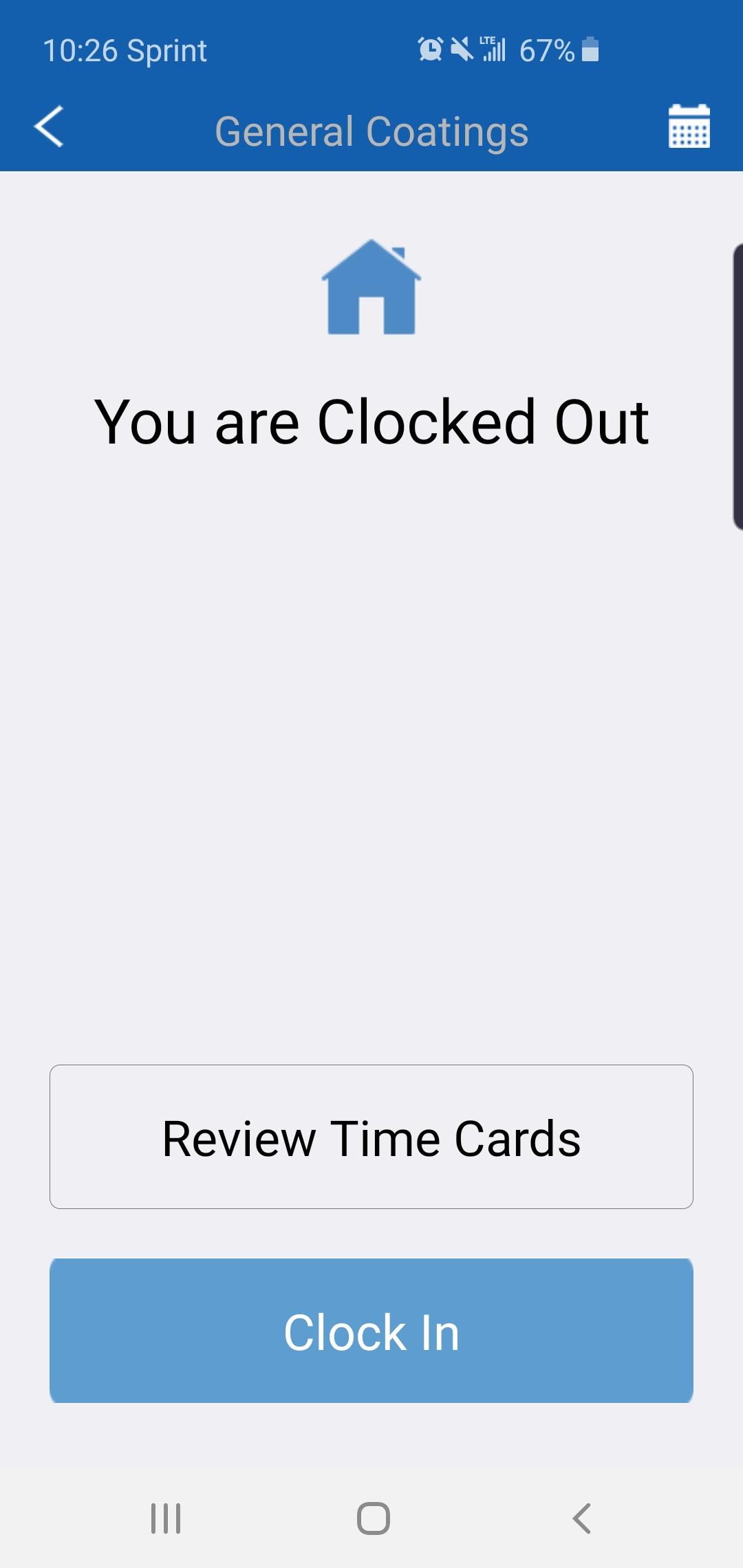
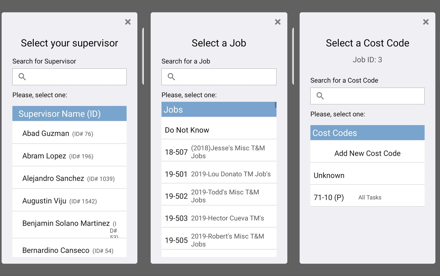
Step 2: In order to clock in, you would only need the name of your supervisor however you can input your Job ID and cost code as well (Which are recommended but not mandatory)
Step 1: Open the app and click the "Clock In" button
Step 2: In order to clock in, you would only need the name of your supervisor however you can input your Job ID and cost code as well (Which are recommended but not mandatory)
Comments
0 comments
Please sign in to leave a comment.