You can access the Time & Attendance Menu by selecting the Time & Attendance menu entry in Root Menu.
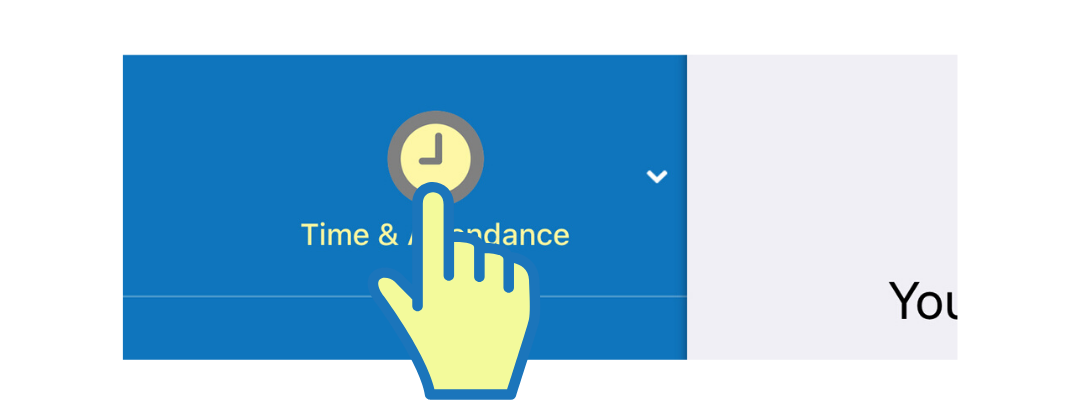
Selecting the menu item expands it and shows the Time & Attendance Menu. Based on your user-level privileges, not all menu items may be visible to you.
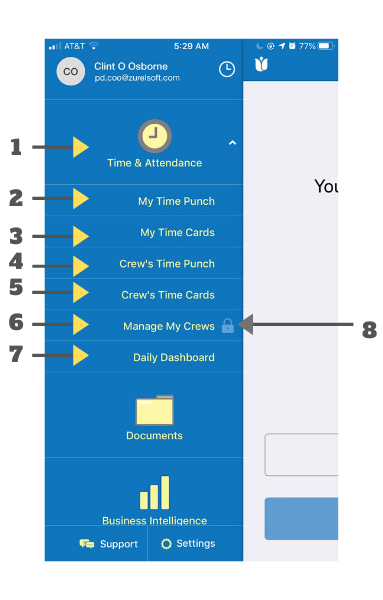
- Time & Attendance:
Selecting it expands Time & Attendance menu. - My Time Punch: Opens My Time Punch screen where you can perform time card clock-in/clock-out or change activities.
- My Time Cards: Opens My Time Cards screen where you can access your time cards.
- Crew's Time Punch: Opens Crew's Time Punch screen where you can allow your crew members to clock-in, clock-out or change activity.
- Crew's Time Cards: Opens Crew's Time Card screen where you can view and manage your crew's time cards.
- Manage My Crew: Open's Crew Management section where you can manage your crew members.
- Daily Dashboard: Open's Daily Dashboard screen where you can see the latest time card punch activities.
- Lock Icon: A lock icon appears if the screen and the features associated with it are not available to you.
Comments
0 comments
Please sign in to leave a comment.